01Overview
This design was created from fully vectorized 2D elements built in Adobe Illustrator for print and packaging production. Photos of the complete package were needed for marketing and website use — but instead of photographing the physical package in a lightbox or studio, I created a photorealistic mockup of the packaging in Photoshop using smart objects. Below is a brief demonstration of the process.
02Vector Design
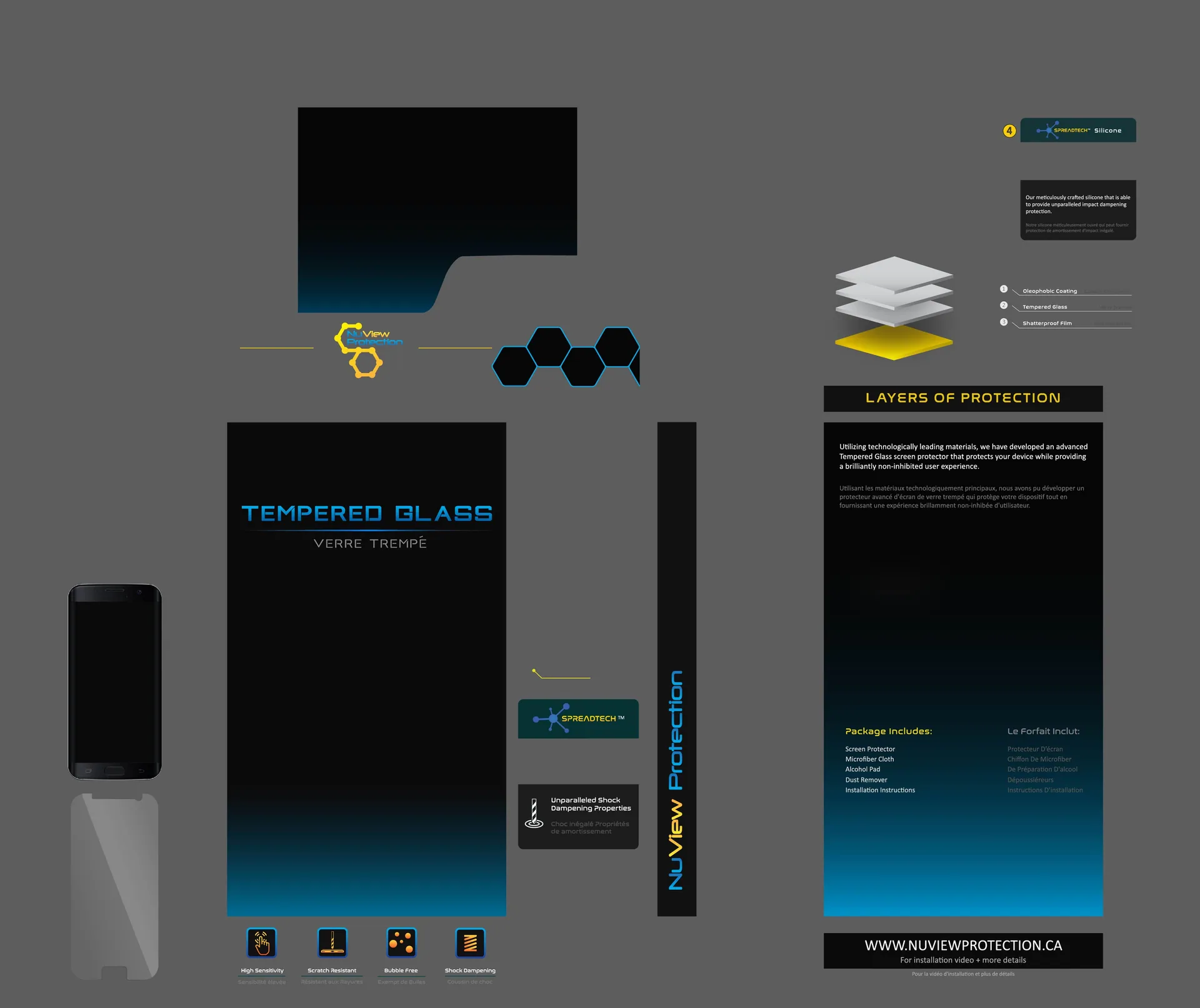
All of the separate elements were designed and created in Adobe Illustrator. Keeping every design element as a vector object provides far greater flexibility for scaling and object manipulation in the later Photoshop steps.
03The Print File
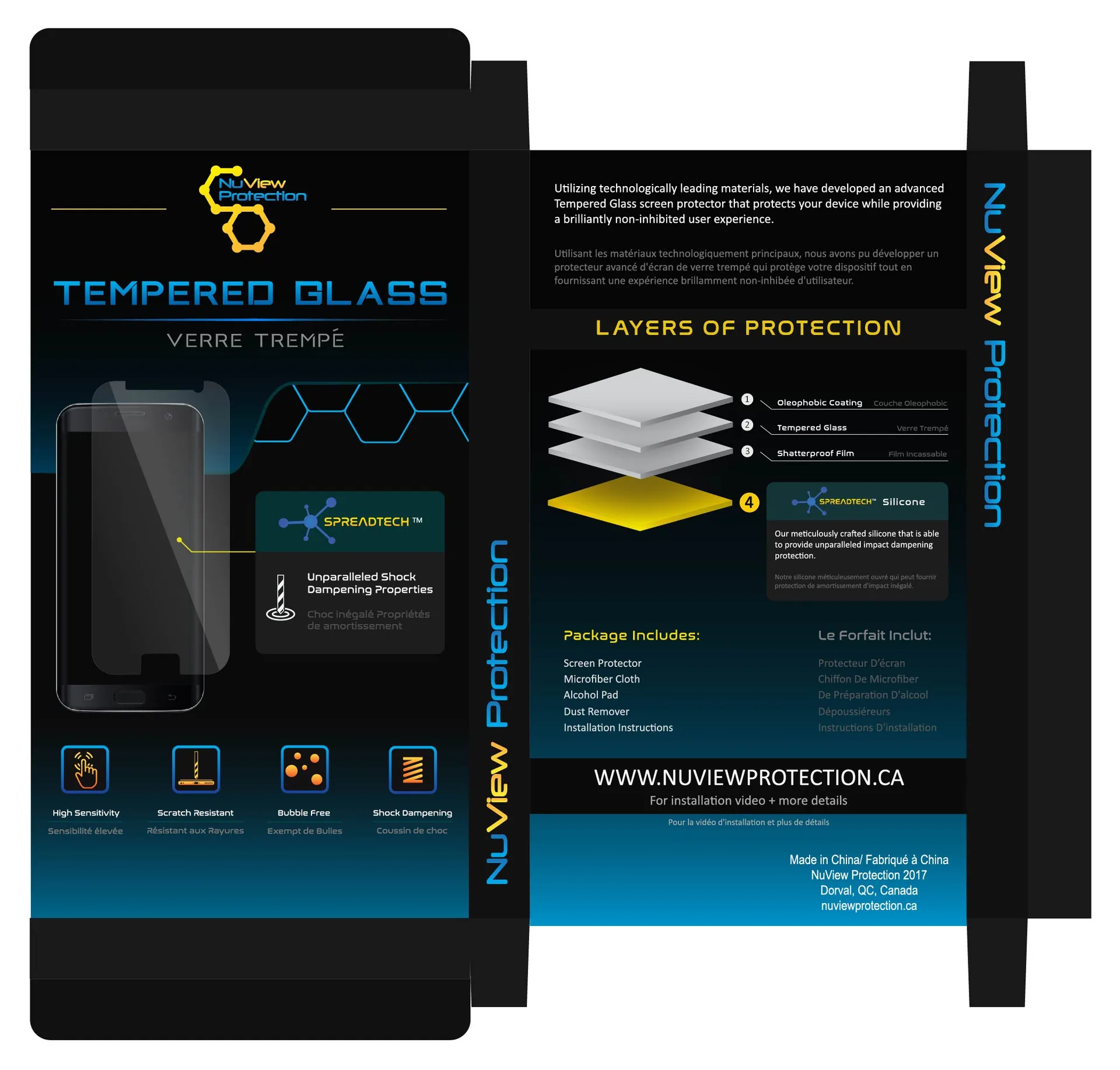
The final design is laid out for print and production: the template is constructed so the package can be folded and glued to contain the product. You'll notice the final print file appears much darker than the mockup — these are the true colors for print, which compensate for the inevitable dulling that occurs when ink hits the physical material. The mockup, by contrast, shows the colors as they appear on the real-life printed package.
04Building the Mockup
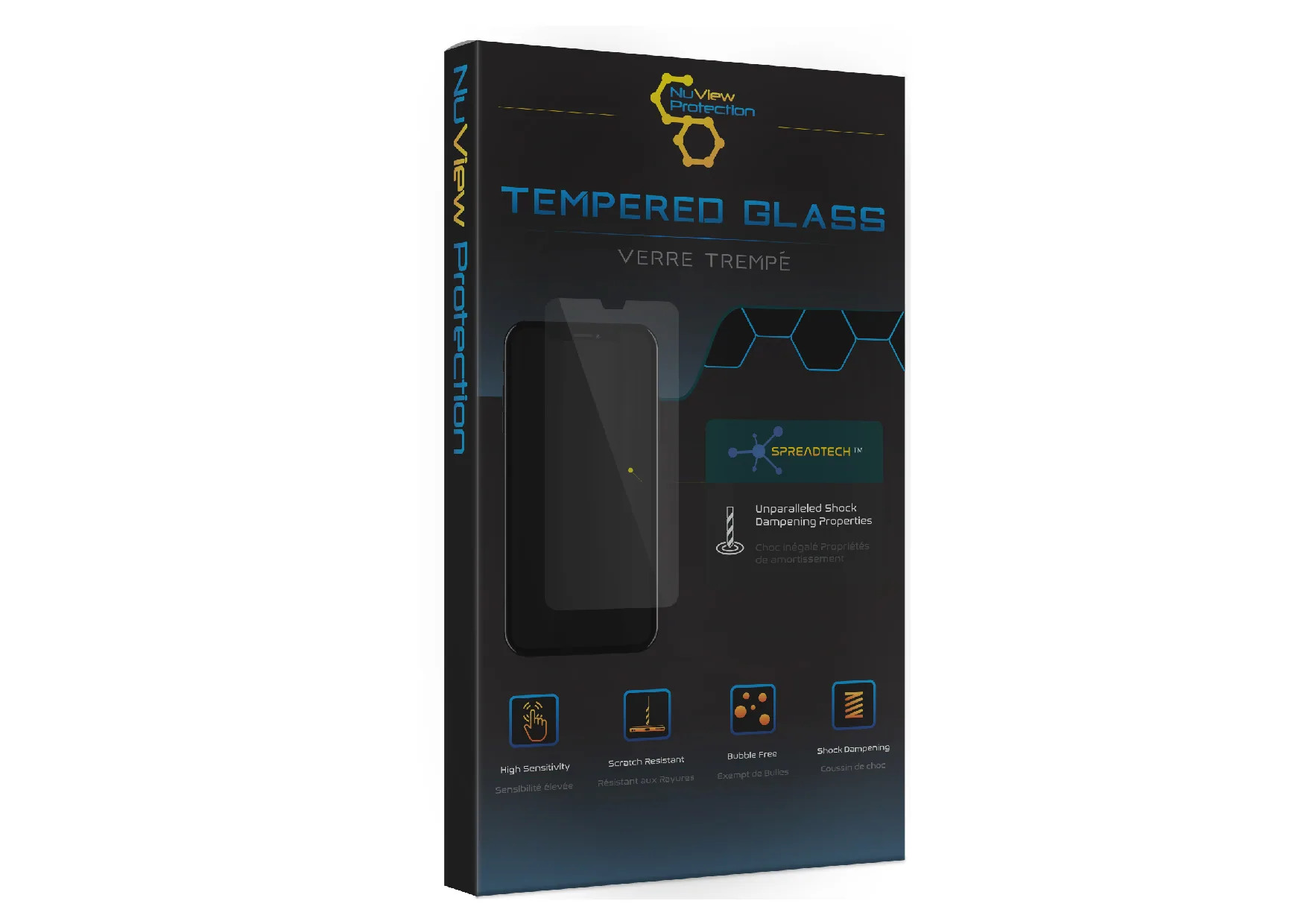
To create the realistic, life-like mockup, I imported the side and front faces of the package into Photoshop, converted them into smart objects, and transformed their corner points to create angled perspectives. Layers of shadows, creases, and lighting were then added to complete the realistic appearance.
05Process Animation
A quick look at the build process from flat vector art to finished mockup: